
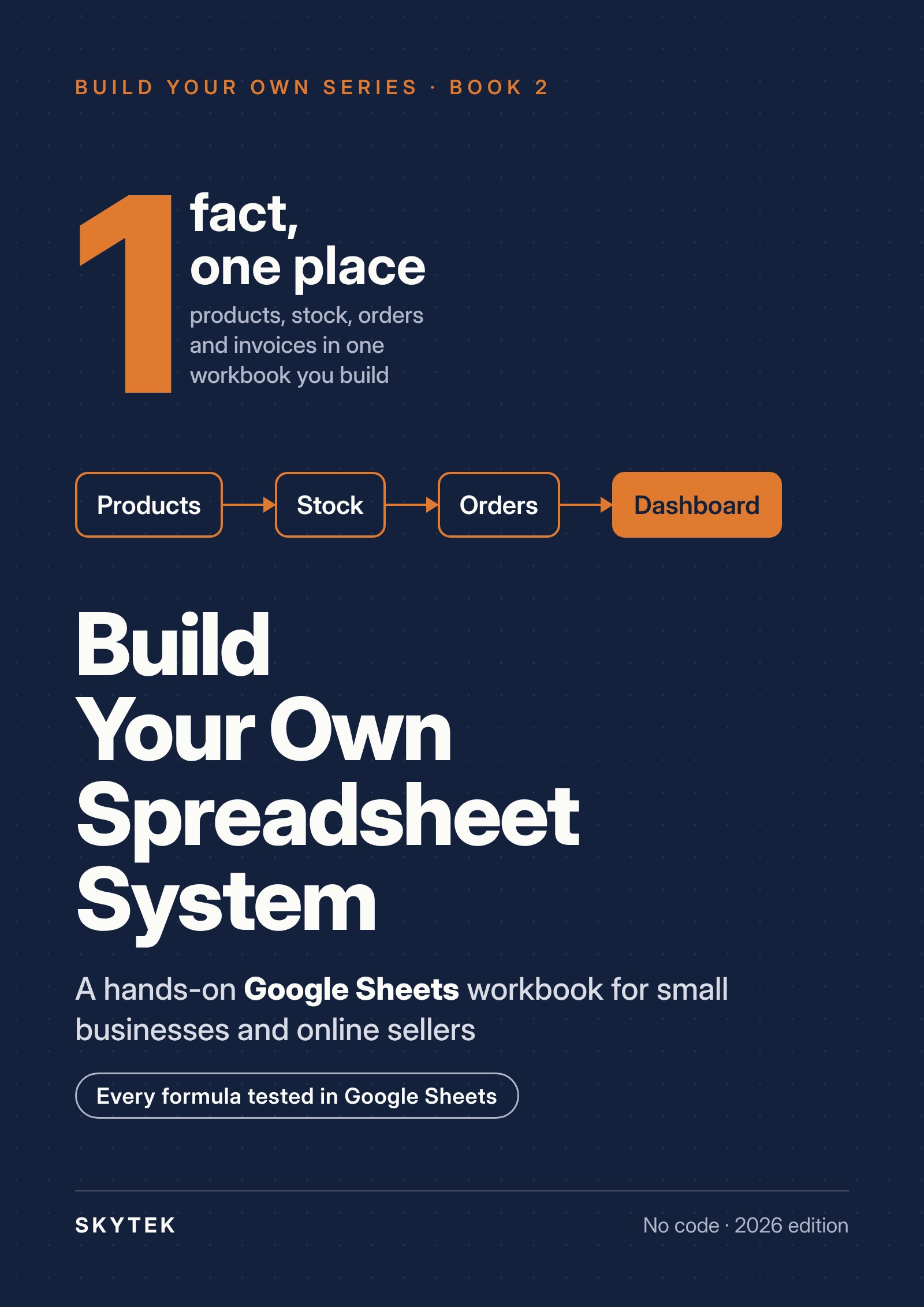
Build Your Own Spreadsheet System
A Step-by-Step Google Sheets Workbook for Tracking Products, Stock, Orders and Invoices, No Coding Required
Write each fact once.
Most small businesses keep the same stock count, price or customer address in several places, and one of them is always out of date. This workbook has you build one Google Sheets file where every fact lives in one place: products, stock, orders, invoices and a weekly dashboard, step by step, with every formula printed in full.
Complete Kit: e-book (PDF) + ready-made Business Workbook (Excel, also opens in Google Sheets) + updated editions by email
Price: $29 (USD). Sales tax or VAT, if applicable, is calculated at checkout by our reseller Paddle.
First two chapters free
What you get
- The e-book (PDF): 8 hands-on chapters and 5 appendices, with a formula guide and an error catalogue
- The Business Workbook (Excel, also opens in Google Sheets): the finished six-tab workbook, once with sample data and once empty
- Free corrected editions: if we fix or update this edition, you download it again at no cost
- Delivery by email a few minutes after payment
What you'll build
- 1A Products tab: one row per product, a unique code, a margin the sheet works out
- 2A Stock movements tab: current stock calculated from what came in and went out, with a "Reorder" warning
- 3Orders and Customers: order lines that look up the product and take sales out of the stock; cancellations and returns handled
- 4Invoices: a pro forma invoice that fills itself in from an order number
- 5A weekly Dashboard: sales, orders, returns, sales by channel and category, open orders, what to reorder
- 6Protection, sharing, backups, a monthly count, and the signs that a spreadsheet is no longer enough
Who it's for
- You sell products online or in person and you keep the records
- Your records are spread over notebooks, seller panels and several files
- If you can type into a cell, copy a cell and open a menu, you're ready
Not for you if you already run stock and orders in dedicated software and are happy with it.
Contents
- 0 · Before you start What you will build and what you need
- 1 · Map what you track Lists, records, keys; the six tabs
- 2 · Products SKUs, dropdowns, margin
- 3 · Stock movements Opening count, current stock, reorder points
- 4 · Orders and customers Order lines, XLOOKUP, cancellations and returns
- 5 · Invoices A pro forma invoice filled from the order
- 6 · The weekly dashboard One date, the whole week
- 7 · Keep it working Protection, sharing, backups, the monthly count
- Appendices: A The workbook at a glance · B Formula guide · C Error catalogue · D Checklists · E Glossary and answers
Written by the Skytek team
Skytek is a small company in Bursa, Türkiye, that sells on eight online marketplaces. We keep our own stock in a spreadsheet, because it is the one place where all eight marketplaces can be compared side by side.
Every formula in this book was tested in Google Sheets in October 2026.
Questions
Do I need the first book?
No. This book stands on its own. If you built the workflow from Build Your Own Automation, Chapter 7 shows where its data goes.
Google Sheets or Excel?
The steps are written for Google Sheets, which is free. Every formula also works in Excel 2021 and Microsoft 365; the differences are listed in Appendix B.
Does it replace accounting software?
No. The Invoices tab makes pro forma invoices, not tax invoices.
Can I get a refund?
No. All sales are final because the files are delivered instantly. Read the free sample first.
How may I use what I buy?
In your own business, with your employees. You may set up a workbook for a client. See our License.
Complete Kit: e-book (PDF) + ready-made Business Workbook (Excel, also opens in Google Sheets) + updated editions by email
$29 (USD), digital download, all sales final (Refund Policy).
Updates and corrections
No corrections yet for the first edition.
To report an error: skytek@skytek.live